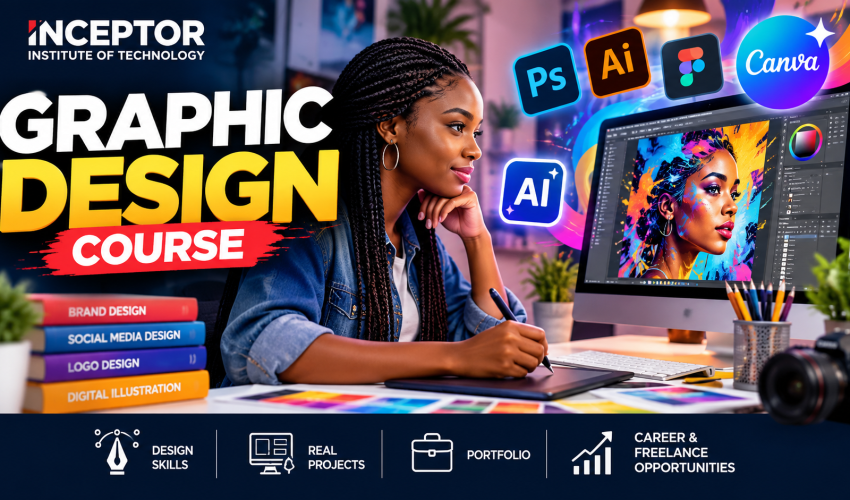

What Is Graphic Design with AI?
Graphic Design with AI combines traditional visual communication skills with artificial intelligence tools that help designers create, edit and produce visual content more efficiently.
Traditional graphic designers might spend considerable time searching for visual concepts, removing backgrounds, creating variations or manually performing repetitive edits.
An AI-assisted designer can use AI to accelerate parts of this workflow.
For example, you could receive a brief such as:
“Create a modern social media campaign for a Nairobi restaurant launching a new lunch menu.”
Instead of starting from a blank screen, you can use AI to:
- brainstorm campaign concepts;
- generate visual directions;
- create draft advertising copy;
- generate or modify images;
- remove or replace backgrounds;
- explore colour and layout variations;
- resize designs for different platforms;
- create multiple campaign concepts.
You then apply your human creativity, typography, colour, composition, branding and design judgement to transform those outputs into professional work.
That combination is becoming increasingly valuable.
AI does not eliminate the need to understand design- it makes designers who understand both design and AI considerably more productive.
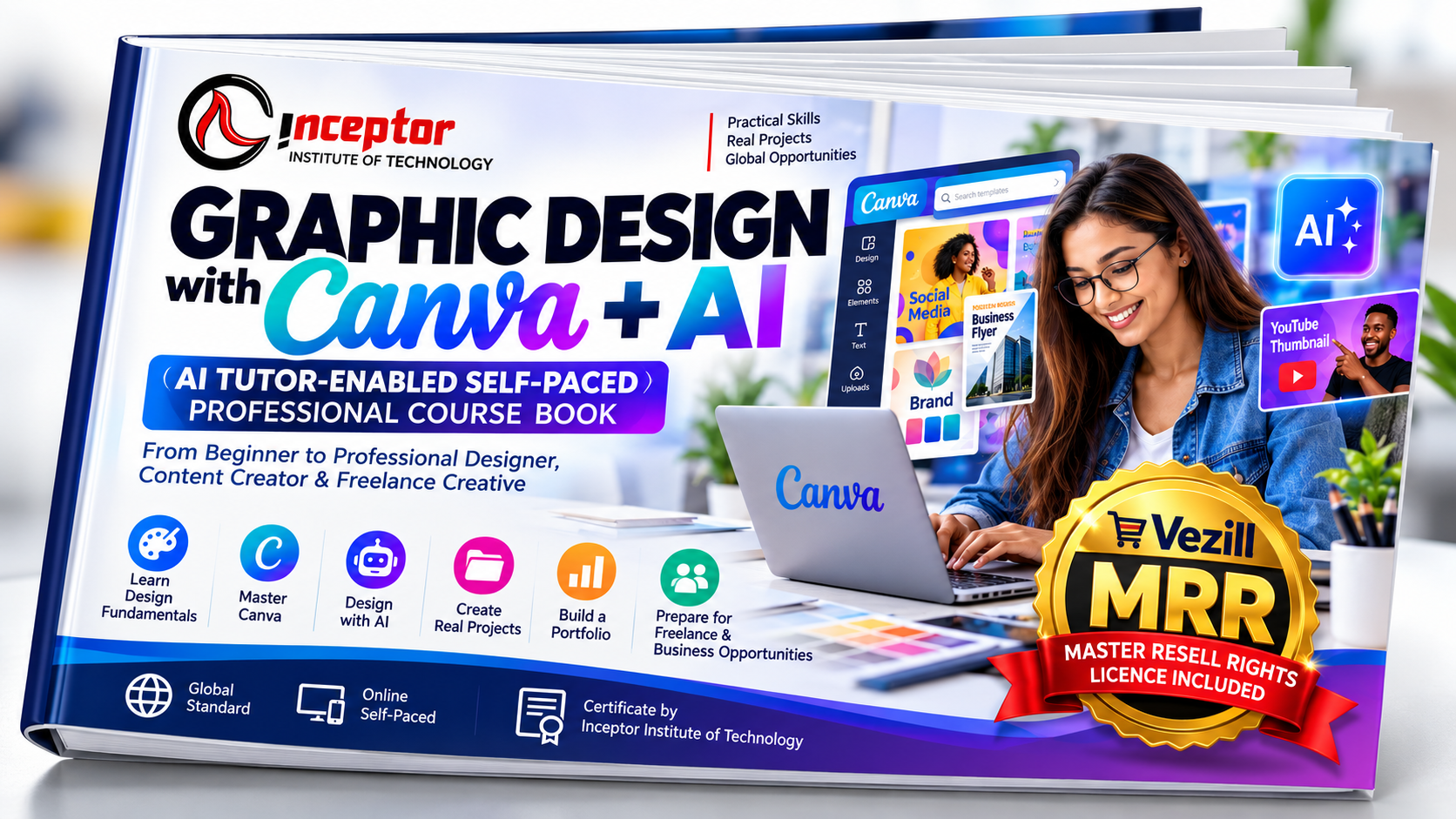
Prefer to Learn at Your Own Pace?
Get the Graphic Design with Canva + AI — AI Tutor-Enabled Self-Paced Professional Course Book
Why Learn Graphic Design with AI?
Businesses today need visual content almost continuously.
Think about what a single business may require:
- Logos
- Posters
- Flyers
- Social media graphics
- Instagram posts
- TikTok graphics
- YouTube thumbnails
- Website banners
- Product images
- Advertisements
- Business cards
- Company profiles
- Presentations
- Packaging
- Brochures
- E-books
- Online course graphics
This creates opportunities for people who can turn ideas into attractive, clear and commercially useful visual communication.
AI adds another dimension: speed and scalability.
Instead of learning only how to operate design software, students at Inceptor learn how to combine creativity, professional design software and AI-assisted workflows.
What You Will Learn
Module 1: Graphic Design Fundamentals
Before using AI, you need to understand what makes a design effective.
Learn:
- Elements and principles of graphic design
- Colour theory
- Typography
- Visual hierarchy
- Alignment
- Contrast
- Balance
- Composition
- Layout
- White space
- Brand consistency
- Choosing appropriate fonts and colours
Practical Project
Create a professional promotional poster using fundamental graphic design principles.
Module 2: Adobe Photoshop with AI
Learn how to create and manipulate professional raster graphics using Adobe Photoshop.
Topics include:
- Photoshop interface
- Layers and masks
- Image resizing
- Cropping
- Background removal
- Photo retouching
- Colour correction
- Image manipulation
- Text effects
- Poster design
- Social media graphics
- Advertising creatives
- AI-assisted image editing
- Generative Fill
- Generative Expand
- Object addition and removal
- Creating multiple design variations
Practical Project
Create a complete promotional campaign consisting of a poster, social media advertisement and website banner.
Module 3: Adobe Illustrator
Learn professional vector graphic design with Adobe Illustrator.
You will learn:
- Vector graphics
- Shapes and paths
- Pen Tool
- Typography
- Icons
- Logo design
- Illustration
- Colour systems
- Business cards
- Brand assets
- Vectorising graphics
- Preparing artwork for print and digital use
Practical Project
Create a logo and basic corporate identity for a fictional or real business.
Module 4: Canva & Canva AI
Canva has become an important tool for entrepreneurs, social media managers, marketers and content creators who need to produce visual content quickly.
Learn how to use Canva for:
- Social media posts
- Posters
- Presentations
- Business graphics
- YouTube thumbnails
- E-books
- Marketing materials
- Templates
- Brand kits
- AI-assisted content generation
- AI image creation and editing
- Rapid design variations
- Content resizing
- Creating reusable templates
Practical Project
Develop a reusable social media template kit for a business.
Module 5: Generative AI for Graphic Designers
This is where traditional graphic design meets modern AI.
Students learn how to communicate effectively with generative AI systems to produce useful creative assets.
Topics include:
- Introduction to generative AI
- Prompt engineering for designers
- Text-to-image prompting
- Image-to-image workflows
- Developing visual concepts with AI
- Creating backgrounds
- Product mock-ups
- Advertising concepts
- Character and scene generation
- Controlling composition and style
- Improving AI-generated images
- Combining AI output with Photoshop
- Ethical use of AI-generated content
- Copyright and commercial-use considerations
Example
Instead of searching through dozens of stock images, a designer could develop an appropriate visual concept with AI, refine the selected image and finish the advertisement professionally in Photoshop or Canva.
Module 6: Logo Design, Branding & Corporate Identity
A graphic designer needs to understand much more than simply making an attractive logo.
Learn how to develop a complete visual identity.
Topics include:
- Brand research
- Logo concepts
- Logo design
- Typography selection
- Colour palettes
- Brand identity systems
- Business cards
- Letterheads
- Social media branding
- Brand guidelines
- Brand presentation
- AI-assisted brainstorming and mood boards
Practical Project
Create a mini brand identity package for a Kenyan SME.
Module 7: Social Media & Digital Marketing Design
One of the biggest markets for graphic designers is digital marketing.
Learn how to create:
- Instagram posts
- Instagram stories
- Facebook advertisements
- LinkedIn graphics
- TikTok graphics
- YouTube thumbnails
- Website banners
- Display advertisements
- Promotional posters
- Carousel graphics
- Call-to-action graphics
Students learn how to design for both attention and conversion, rather than simply creating attractive pictures.
Module 8: Print Design
Graphic designers still need professional print-production skills.
Learn how to design:
- Business cards
- Flyers
- Posters
- Brochures
- Menus
- Banners
- Certificates
- Company profiles
- Packaging
- Event materials
You will also learn important print concepts including:
- CMYK vs RGB
- Resolution
- Bleed
- Print dimensions
- File formats
- Preparing artwork for printers
Module 9: E-book, Digital Product & Template Design
Graphic design is no longer limited to client work.
Your designs can themselves become digital products.
Learn how to create:
- E-book covers
- PDF guides
- Workbooks
- Printable planners
- Calendars
- Social media templates
- Business templates
- Presentation templates
- Resume/CV templates
- Certificates
- Invitation templates
- Educational worksheets
- Marketing kits
- Digital bundles
This gives students an additional route to monetise their skills beyond employment.
Module 10: Building a Graphic Design Portfolio
Employers and clients normally want evidence of what you can actually create.
During the course, students develop portfolio-ready projects such as:
- Logo and brand identity
- Business card
- Promotional poster
- Social media campaign
- YouTube thumbnail
- Product advertisement
- E-book cover
- Business flyer
- Canva template
- AI-assisted advertising creative
Your portfolio can then be used when approaching employers, businesses and freelance clients.
Can You Make Money with Graphic Design and AI?
Yes. Graphic design can be monetised through several different business models.
You can work as a designer, freelance for clients, provide recurring social media design services, work with marketing agencies or create digital products.
Example: Starting with Local Businesses
Suppose Mary completes the Graphic Design with AI Course at Inceptor.
She approaches a salon, restaurant, online shop and real estate agent.
Instead of saying:
“I am a graphic designer.”
She offers a specific service:
Monthly Social Media Design Package: 12 branded social media graphics + 4 promotional posters.
If she charges KSh 8,000 per client per month and eventually maintains five recurring clients:
5 clients × KSh 8,000 = KSh 40,000 per month in gross revenue.
This is an illustration rather than a guaranteed income. Actual earnings depend on skill level, pricing, client acquisition, demand and quality of work.
But it demonstrates an important lesson:
Graphic design becomes much easier to monetise when you package your skills as a solution to a business problem.
Make Money Selling Digital Design Products
Another opportunity is creating something once and selling copies repeatedly.
For example, you could create a:
“Small Business Social Media Canva Template Pack”
It might contain:
- 30 Instagram templates
- 10 promotional posters
- 10 Instagram Story templates
- 5 sale graphics
- 5 testimonial templates
Instead of designing separately for every customer, the template pack becomes a digital product.
The same approach can be applied to:
- Wedding invitation templates
- Church poster templates
- Restaurant menu templates
- CV templates
- School certificates
- Business proposal templates
- Social media bundles
- E-book templates
- Presentation templates
- Printable planners
This allows graphic designers to combine freelancing + digital products + training + employment instead of depending on only one source of income.
Career Opportunities After Learning Graphic Design with AI
Graduates can explore opportunities including:
- Graphic Designer
- AI-Assisted Graphic Designer
- Brand Designer
- Social Media Designer
- Content Designer
- Digital Marketing Designer
- Creative Designer
- Freelance Graphic Designer
- Visual Content Creator
- Illustrator
- Layout Designer
- Marketing Creative
- E-commerce Designer
- YouTube Thumbnail Designer
- Canva Template Designer
- Digital Product Creator
- Junior Art Director
You can also use graphic design as a complementary skill in digital marketing, content creation, web design, social media management, e-commerce and entrepreneurship.
Who Should Take This Course?
The Graphic Design with AI Course is suitable for:
- KCSE graduates
- College and university students
- Job seekers
- Beginners
- Freelancers
- Digital marketers
- Social media managers
- Entrepreneurs
- Content creators
- Photographers
- Teachers and trainers
- Small business owners
- Employees responsible for marketing
- Anyone interested in creating and selling digital products
No previous graphic design experience is required.
What Makes Inceptor’s Graphic Design with AI Training Different?
Many traditional courses teach learners how to operate software.
Inceptor’s approach should be focused on what learners can actually create and do with the skill.
The training combines:
Design Fundamentals + Professional Software + AI + Practical Projects + Portfolio + Monetisation
Students therefore don’t just learn where Photoshop tools are located.
They learn how to take a brief such as:
“Create a promotional campaign for a new Kenyan fashion brand.”
and develop:
Idea → AI-assisted concept → Brand direction → Graphics → Social media campaign → Client presentation → Portfolio project
That is much closer to a real-world design workflow.
Graphic Design with AI vs Traditional Graphic Design
| Traditional Graphic Design Course | Graphic Design with AI |
| Photoshop | Photoshop + AI |
| Illustrator | Illustrator + AI workflows |
| Manual image editing | AI-assisted editing |
| Stock image searching | AI-assisted visual generation |
| Manual brainstorming | AI-assisted ideation |
| Individual designs | Rapid design variations |
| Design software skills | Design + AI prompt skills |
| Portfolio | AI-enhanced professional portfolio |
| Focus on employment | Jobs + freelancing + digital products |
The objective isn’t to allow AI to make every creative decision.
It is to teach students when AI saves time, when traditional design skills produce better results and how to combine both professionally.
Frequently Asked Questions
What is the best graphic design course in Kenya for beginners?
A useful beginner graphic design course should cover design principles, typography, colour theory, Photoshop, Illustrator, Canva, branding, practical projects and modern AI-assisted workflows. Inceptor’s Graphic Design with AI Course is structured around these practical competencies.
Can I learn graphic design without previous experience?
Yes. Beginners can start with basic design principles before progressing to Photoshop, Illustrator, Canva and AI-assisted design.
How long does the Graphic Design with AI Course take?
The Inceptor program takes approximately 4 weeks/1 month, with practical physical and live online learning options.
Does graphic design require coding?
No. Graphic design generally does not require programming knowledge.
Which AI tools are useful for graphic designers?
Modern designers can use generative AI capabilities within platforms such as Adobe and Canva alongside general-purpose AI tools for brainstorming, copy development, prompt creation and creative ideation.
The exact tools used during training may change as the AI design ecosystem evolves.
Will AI replace graphic designers?
AI can automate or accelerate some design tasks, but professional graphic design still requires human judgement in areas such as visual hierarchy, typography, branding, composition, audience understanding, communication and creative direction.
The more useful career strategy is therefore to learn graphic design and learn how to work effectively with AI.
Can I work online after learning graphic design?
Yes. Graphic design is suitable for remote and freelance work because most deliverables can be created and delivered digitally. Success still depends on portfolio quality, marketing, communication and client acquisition.
Can I create digital products using graphic design?
Yes. Designers can create templates, e-books, printable planners, presentation templates, social media packs, educational materials and other downloadable products.
Do I receive a certificate?
Students who successfully complete the Inceptor Graphic Design with AI training can receive a Certificate of Completion, subject to Inceptor’s current certification requirements.
Start Your Graphic Design with AI Journey
The future of graphic design isn’t about choosing between human creativity and artificial intelligence.
It is about learning how to use both.
At Inceptor Institute of Technology, you will learn the fundamental principles of professional graphic design while gaining practical experience with modern design software and AI-assisted creative workflows.
Whether your goal is to:
Get a job • Become a freelancer • Grow your business • Create content • Start a design agency • Sell digital products
this course gives you a practical foundation for building those opportunities.
Course Details
Duration: 4 Weeks / 1 Month
Training: Physical & Live Online
Location: Nairobi, Kenya
Training Model: 100% Practical
Flexible Classes: Morning, Afternoon, Evening & Weekend
Course Fee: KSh 30,000
Ready to Learn Graphic Design with AI?
Enroll in the Inceptor Graphic Design with AI Course and start building your portfolio, creative skills and digital income opportunities.